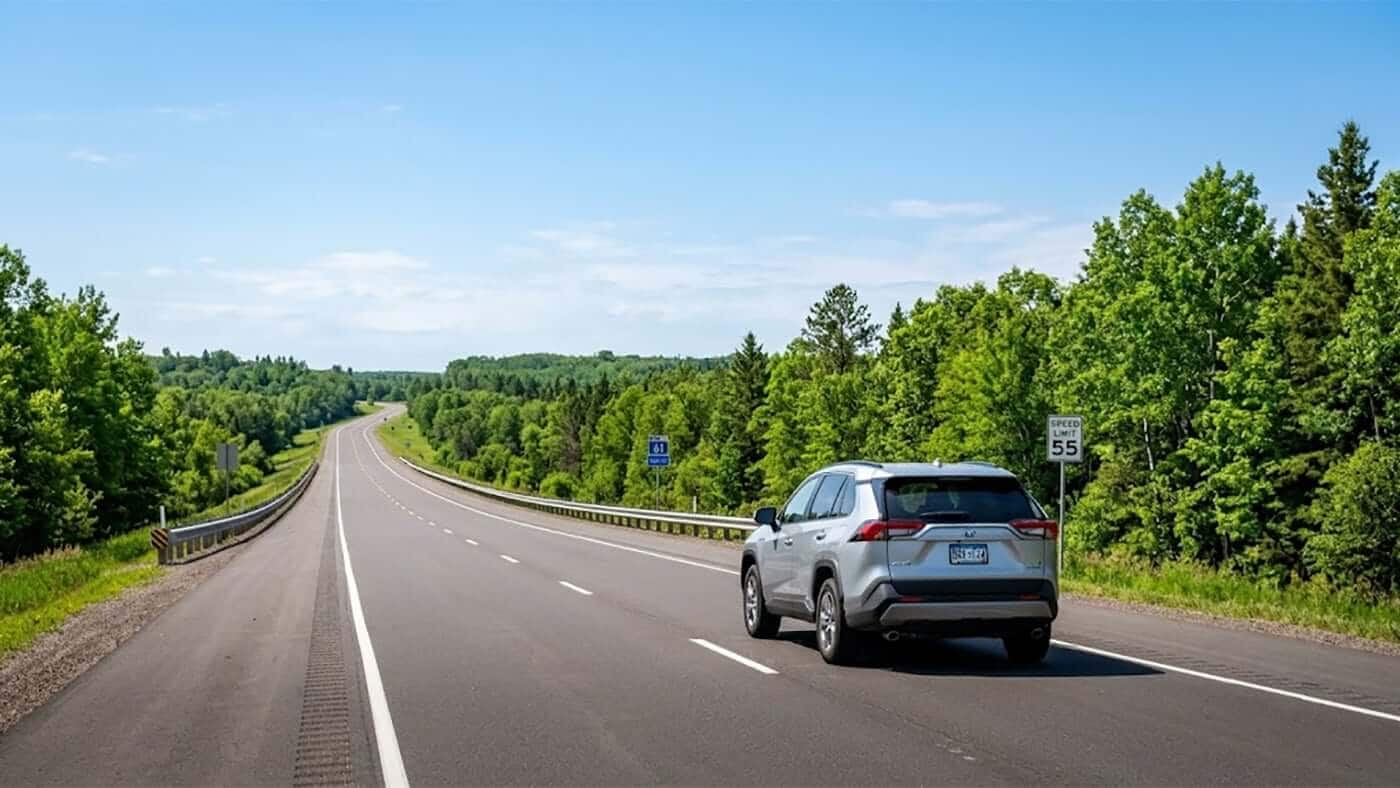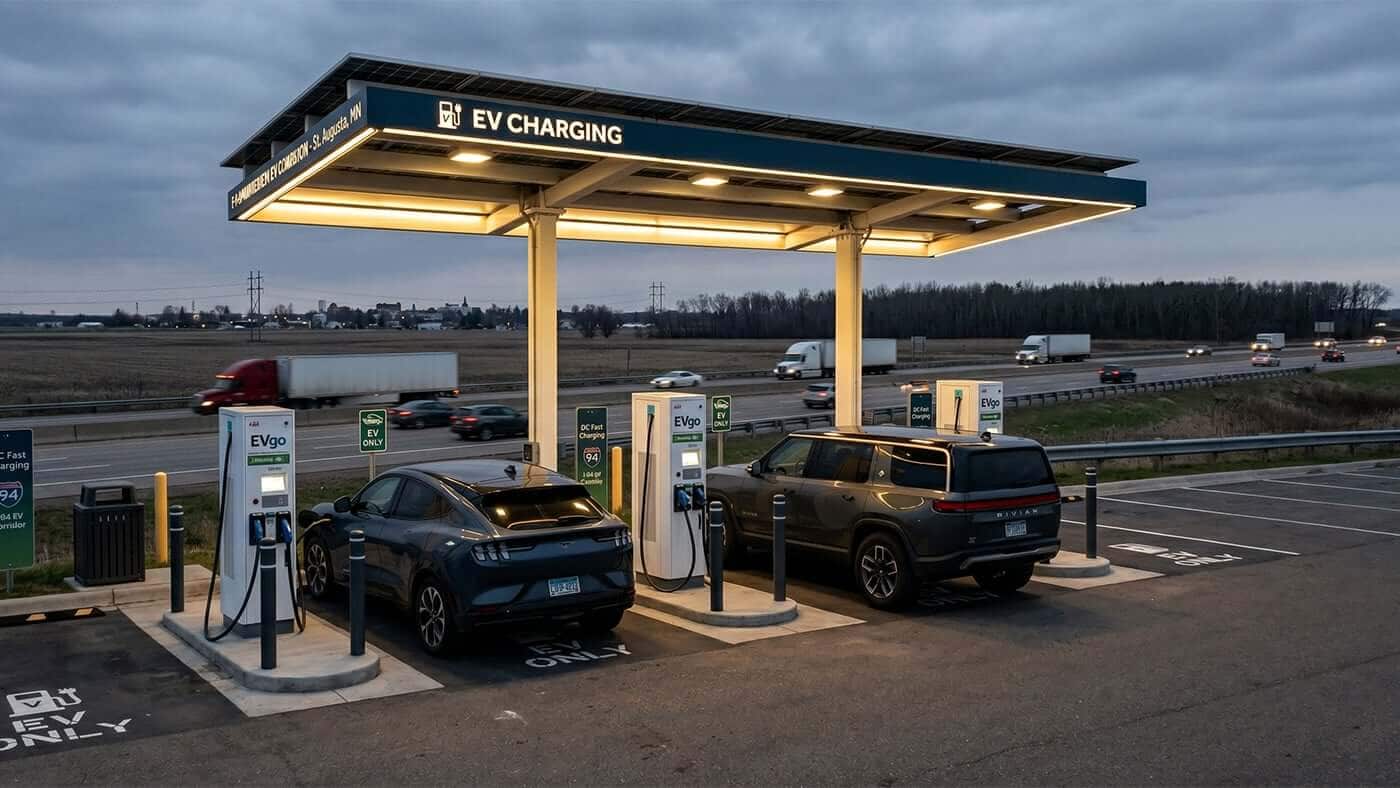
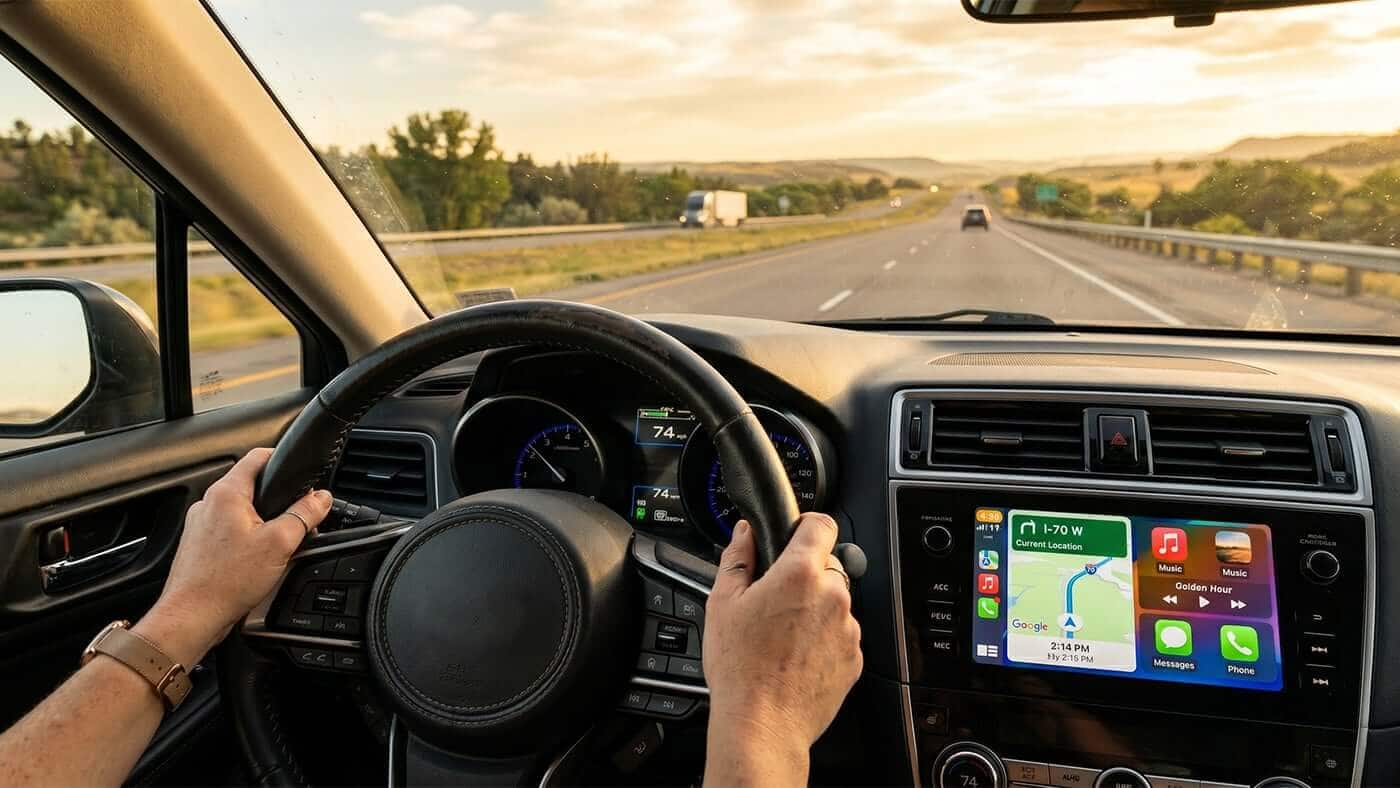

Three or four hours into a long highway drive, even an attentive driver starts to feel it — tired eyes, a stiff neck, the kind of fatigue that builds gradually enough to go unnoticed until it doesn't. The right vehicle can help offset that fatigue, and the best car tech features for long drives play a meaningful role in how comfortable and alert a driver stays behind the wheel.
The best car tech features for long drives include adaptive cruise control, lane-keeping assist, wireless Apple CarPlay or Android Auto, blind spot monitoring, and built-in navigation. Together, these features reduce physical fatigue, improve awareness of surrounding traffic, and make extended time behind the wheel considerably more manageable.
These features won't shorten the drive itself, but they make a real difference in how the drive feels. Beyond the vehicle's built-in technology, a handful of practical accessories — covered later in this guide — can further improve comfort for everyone in the car.
Table of Contents
- What Car Tech Features Matter Most for Long Drives
- Adaptive Cruise Control: The One Feature Every Road-Tripper Wants
- Apple CarPlay and Android Auto: Smartphone Integration Done Right
- Lane-Keeping Assist and Blind Spot Monitoring: Extra Eyes for Long Stretches
- Comfort Tech for the Long Haul: Heated Seats, USB-C Ports, and Wi-Fi Hotspots
- Built-In Navigation vs. Phone Maps
- Road Trip Accessories Worth Adding to Your Vehicle
- Finding a Road-Trip-Ready Used Car or SUV
- FAQs
What Car Tech Features Matter Most for Long Drives
If you're shopping with road trips in mind, a handful of features do almost all the heavy lifting. Adaptive cruise control and lane-keeping assist handle the repetitive parts of highway driving. Wireless smartphone integration keeps music, calls, and directions running without a tangle of cords. Blind spot monitoring and a solid set of charging ports round things out.
You don't need every option on the build sheet. A used car with this core group of features will feel noticeably easier to live with on a long drive than one without it, even if the rest of the spec sheet looks identical.
Adaptive Cruise Control: The One Feature Every Road-Tripper Wants
Adaptive cruise control uses radar and sensors to hold your speed and automatically adjust it based on the traffic ahead, slowing down when someone merges in front of you and speeding back up once the lane clears. It's the single most requested road trip feature, and for good reason — it removes the constant, low-grade job of managing the gas pedal for hours at a stretch.
Most owners notice the difference within the first twenty minutes on the interstate. Your right leg isn't doing the work anymore, so it isn't tired by hour four. Combined with lane-keeping assist, it forms the backbone of what's often called driver-assist technology, or ADAS — a catch-all term for the sensors and software that help with (not replace) the actual driving.
When you're looking at a used car with adaptive cruise control, it's worth confirming the system was functioning properly before purchase. A Carfax or VinAudit report can flag accident history that might affect sensor calibration, which is a smart step regardless of which features you're after.
Apple CarPlay and Android Auto: Smartphone Integration Done Right
A clunky infotainment touchscreen can undo a lot of the goodwill earned by every other feature on this list. That's why wireless Apple CarPlay and Android Auto have become must-have infotainment features on used cars, not just nice extras. They mirror your phone's maps, music, and messages onto the dashboard screen, which means you're using an interface you already understand instead of learning the car's native system from scratch.
Wireless versions are worth seeking out specifically. Plugging in a cable every time you get in the car is a minor annoyance on a daily commute and a real one on a six-hour drive when the cord comes unplugged every time someone reaches for a water bottle. If a used car only offers the wired version, that's not a dealbreaker — just budget for a cable you won't lose.
Lane-Keeping Assist and Blind Spot Monitoring: Extra Eyes for Long Stretches
Lane-keeping assist gently nudges the steering if you start to drift out of your lane, which matters more than people expect on long, monotonous highway stretches where attention naturally dips. Blind spot monitoring lights up a warning when a vehicle is sitting in your blind spot, which is especially useful when you're merging on an unfamiliar highway you've never driven before.
Neither feature is meant to replace checking your mirrors. Think of them as a second set of eyes that doesn't get tired at the same rate yours does. On a long drive, that backup matters most exactly when you're least likely to notice you need it.
Comfort Tech for the Long Haul: Heated Seats, USB-C Ports, and Wi-Fi Hotspots
Driver-assist features get most of the attention, but car features for highway driving comfort deserve credit too.
- ✓Heated seats matter for more months out of the year than people who haven't driven through a real winter would guess.
- ✓USB-C charging ports keep phones, tablets, and navigation apps topped off without everyone fighting over the one working outlet.
- ✓A built-in Wi-Fi hotspot can be the difference between happy kids in the back seat and a long, loud argument about whose turn it is to use the data plan.
None of these features make headlines the way adaptive cruise control does, but they're often what people mention first when asked what they actually use on a road trip.
Built-In Navigation vs. Phone Maps
Built-in navigation has come a long way, but plenty of drivers still default to their phone's maps app out of habit. Both have a place. Built-in systems tend to handle dead zones and rural stretches more gracefully since some store maps locally rather than relying entirely on a cell signal. Phone-based navigation usually wins on real-time traffic updates and gets new features faster.
The good news is you don't have to choose. With Apple CarPlay or Android Auto, your phone's navigation app runs right on the built-in screen, giving you the bigger display and voice prompts of a factory system with the live data of your phone.
Road Trip Accessories Worth Adding to Your Vehicle
A few inexpensive accessories can do almost as much for a long drive as the built-in tech does. Here are some of the most popular ones road-trippers add to their cars:
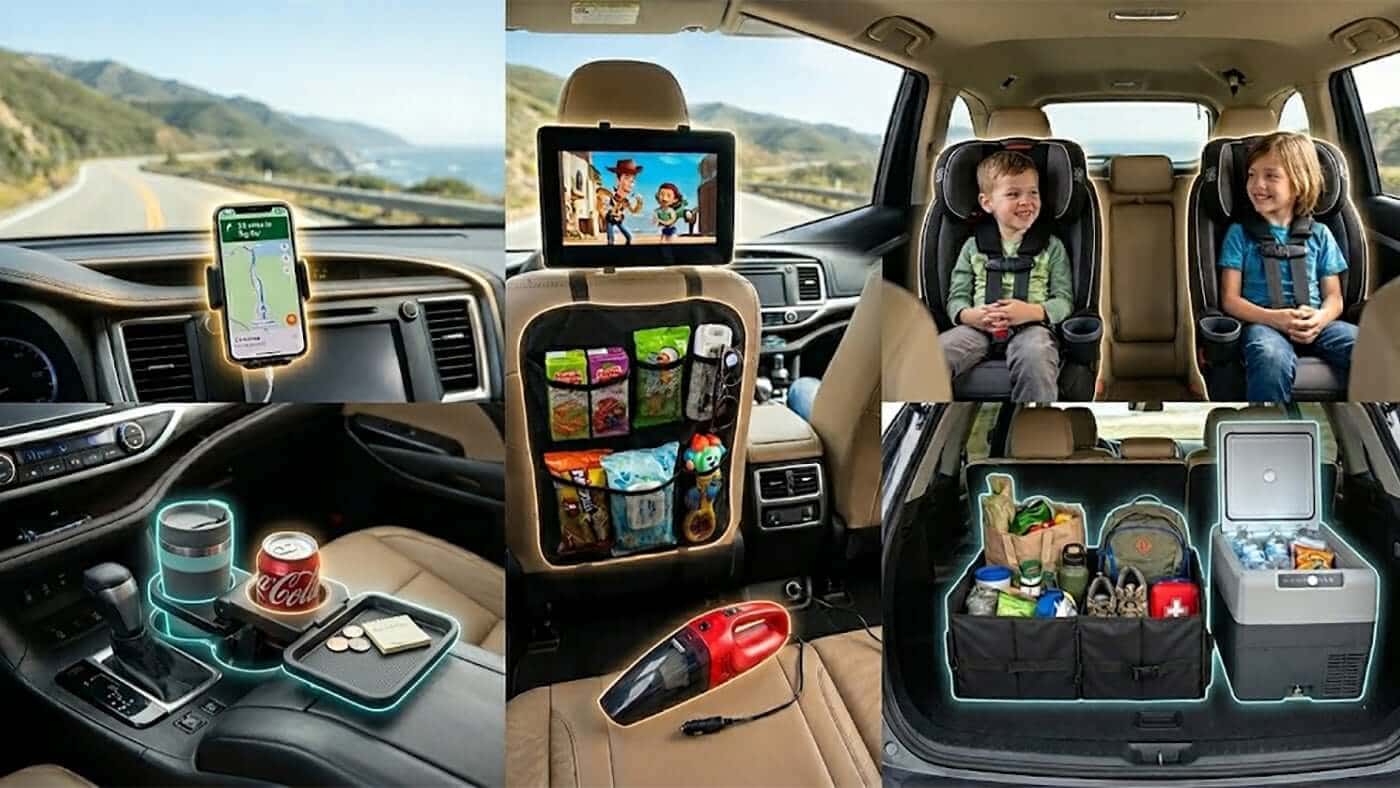
- ✓Wireless phone charger / dashboard mount — Keeps your phone charged and visible for navigation without a cord stretching across the cabin. Especially useful if your used car doesn't have wireless Apple CarPlay built in. Shop wireless car chargers
- ✓Backseat tablet / iPad mount — Attaches to the headrest so kids in the back seat can watch movies or play games hands-free, which buys you a lot of quiet on a six-hour drive. Shop tablet headrest mounts
- ✓Spill-proof cup holder insert — Keeps drinks from sliding around on curves and highway exits, and makes cleanup a lot easier than scrubbing a factory cup holder. Shop cup holder inserts
- ✓Seat-back organizer — Hangs over the front seats to hold snacks, tissues, and tablets within arm's reach of back-seat passengers, cutting down on the "can you hand me…" requests up front. Shop seat-back organizers
- ✓Portable car vacuum — A small handheld vacuum that plugs into a 12V outlet or runs cordless, handy for cleaning up crumbs at a rest stop instead of waiting until you're home. Shop portable car vacuums
- ✓In-car trash can — A small, leak-proof bin that hangs from a seat back or console, so wrappers and empty cups have somewhere to go besides the floor or cup holder. Makes cleanup at the end of the trip a lot less painful. Shop in-car trash cans
- ✓Trunk organizer — Keeps coolers, bags, and gear from sliding around in the trunk, which matters more on winding or hilly stretches than people expect. Shop trunk organizers
- ✓12V cooler / mini car fridge — Keeps drinks and snacks cold for the whole trip without needing to stop for ice, which is especially nice on longer hauls where a gas station coffee just doesn't cut it. Shop 12V car coolers
Finding a Road-Trip-Ready Used Car or SUV
If you're shopping for used cars with the best road trip technology, used SUVs tend to check the most boxes at once — the higher driving position helps with visibility, and SUV trims often bundle adaptive cruise control, blind spot monitoring, and a larger touchscreen as standard equipment rather than optional add-ons. That's especially true if regular travel up the North Shore or other long highway stretches is part of your routine.
Whatever you're looking at, take the time to verify a vehicle's history before you commit. A vehicle history report can confirm whether safety systems like the cameras and radar sensors behind ADAS features were ever part of a reported repair, which is useful information no test drive alone will tell you.
FAQs
Is adaptive cruise control worth it on a used car?
Yes, for most highway drivers. It's one of the features owners report using the most and missing the most when it's absent, since it directly reduces the physical fatigue of long-distance driving.
Do I need built-in navigation if I already use my phone for maps?
Not necessarily. If the car supports wireless Apple CarPlay or Android Auto, your phone's navigation app displays on the built-in screen, which covers most people's needs without requiring a separate factory system.
What's the difference between Apple CarPlay and Android Auto?
They do the same basic job — mirroring your phone's maps, music, and calls onto the car's touchscreen — but CarPlay is built for iPhones and Android Auto is built for Android phones. Which one you need depends entirely on your phone, not the car.
Are lane-keeping assist and blind spot monitoring the same thing?
No. Lane-keeping assist actively helps steer you back if you drift out of your lane, while blind spot monitoring simply alerts you when a vehicle is in your blind spot. They're both part of the broader category of driver-assist technology, but they handle different jobs.
How do I know if a used SUV's tech features are actually working?
A test drive is the best way to confirm controls and screens respond as expected. Pairing that with a Carfax or VinAudit report can also flag any accident history that might affect sensor-based systems like adaptive cruise control or blind spot monitoring.
Is this kind of tech only available on newer used cars?
Adaptive cruise control and smartphone integration have become common on mainstream models over roughly the past decade, so they're increasingly easy to find on used cars that are several years old, not just current-year vehicles.